
Used Android Auto Compatible Cars for Sale in Indiana
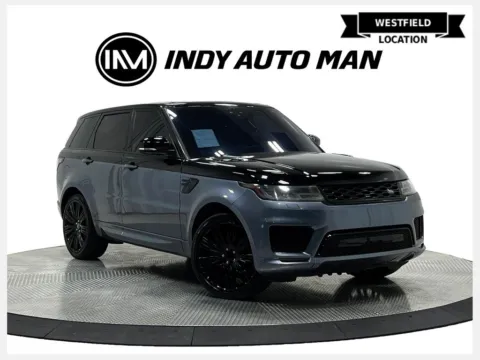
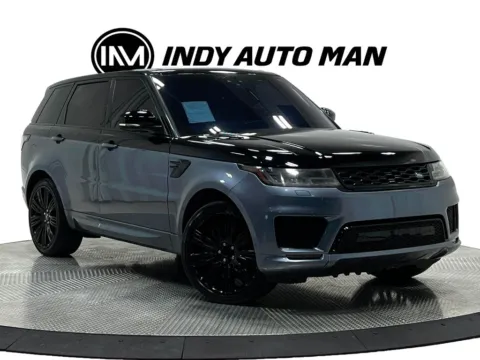
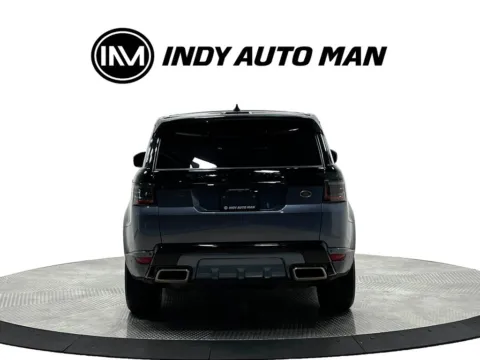
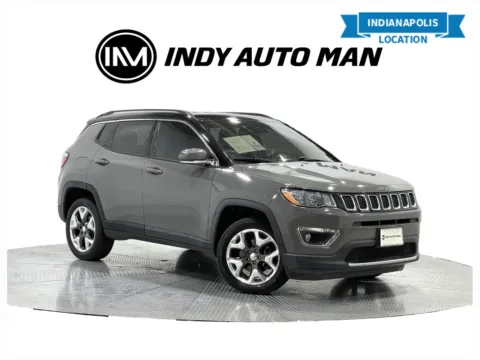
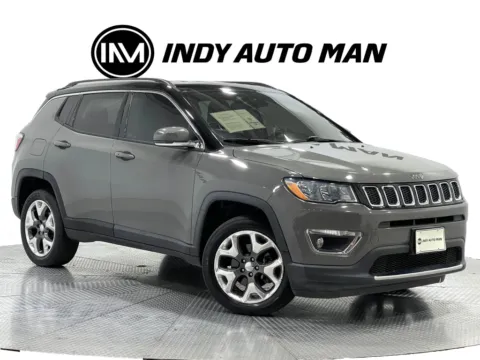
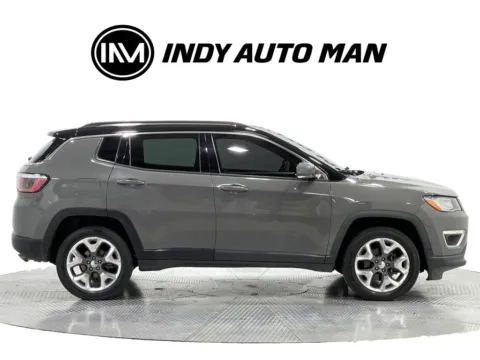
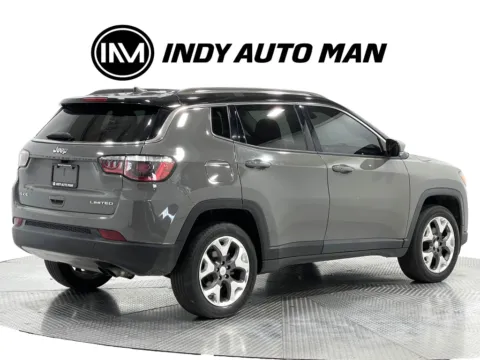
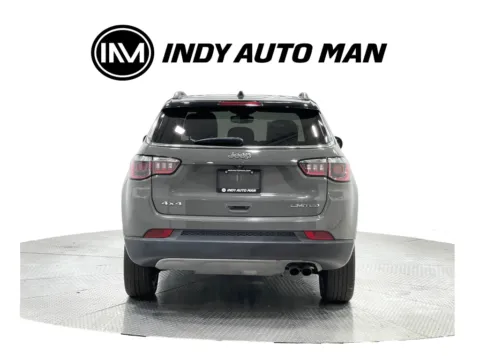
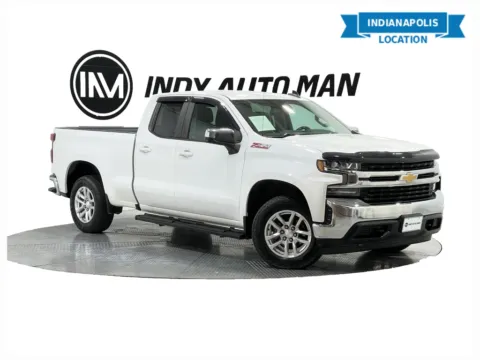
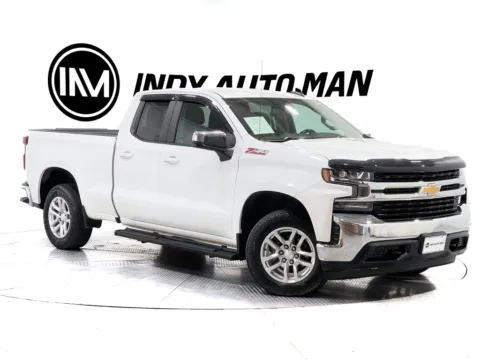
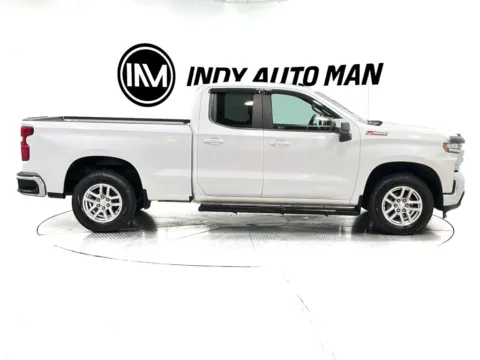
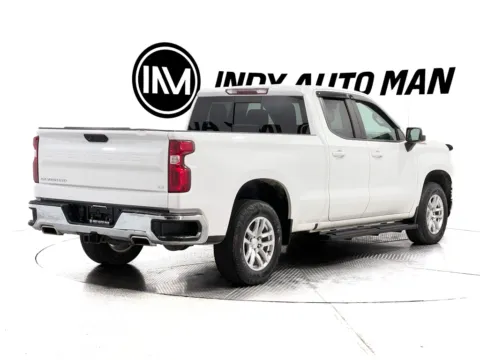
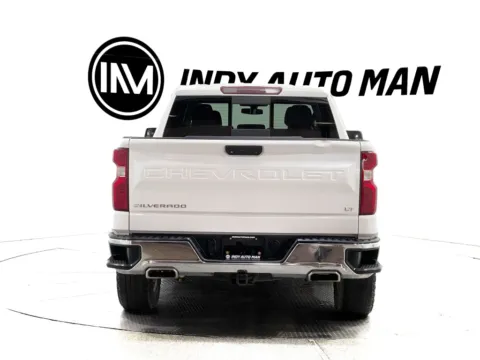
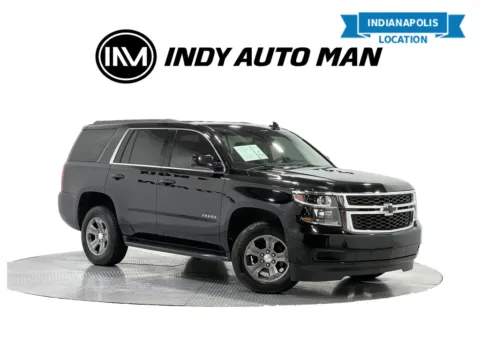
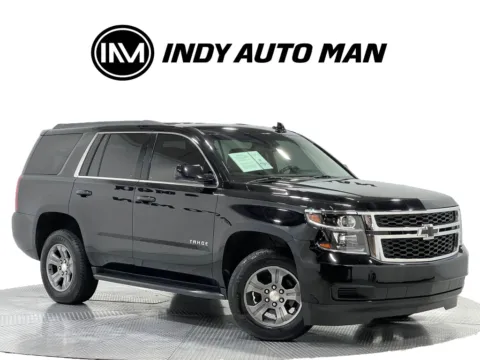
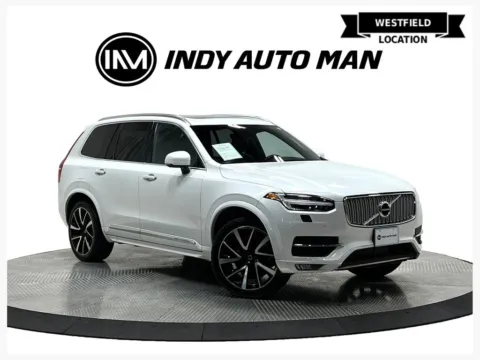
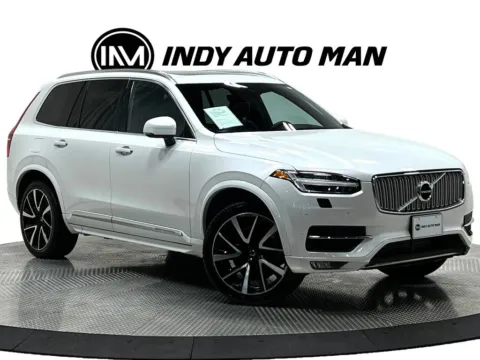
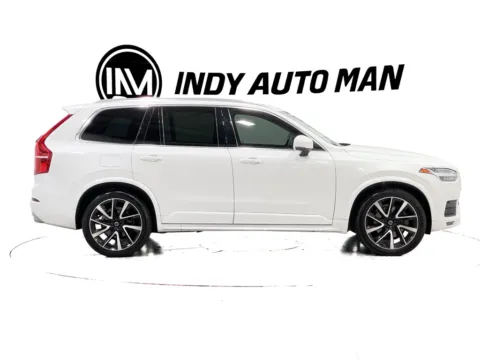
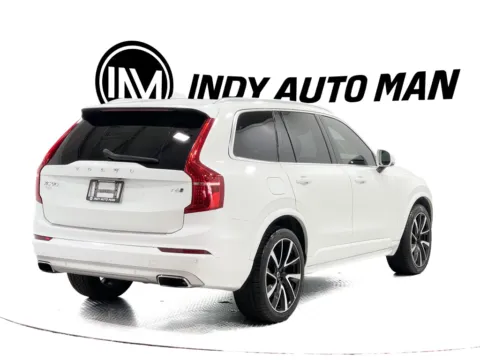
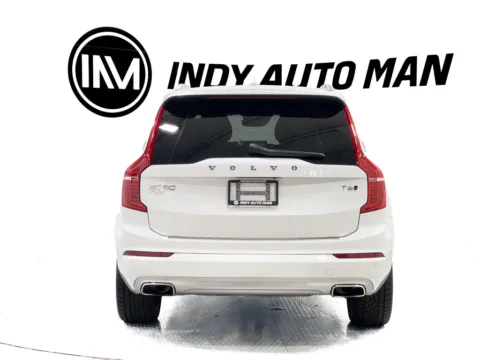
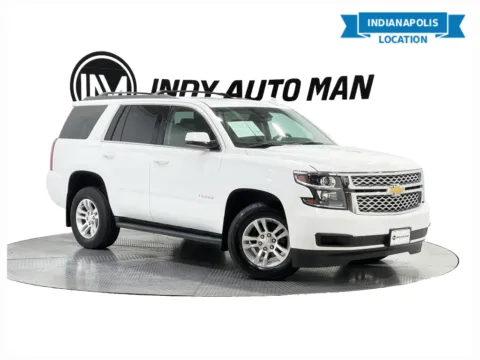
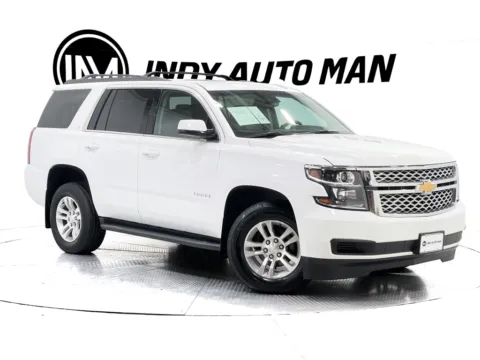
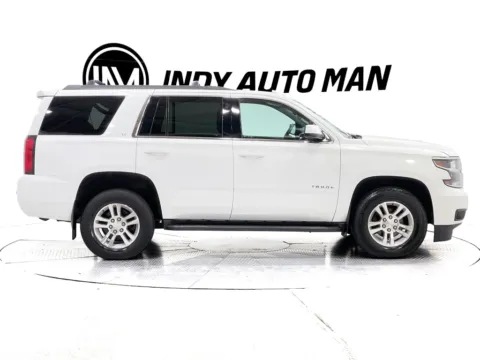
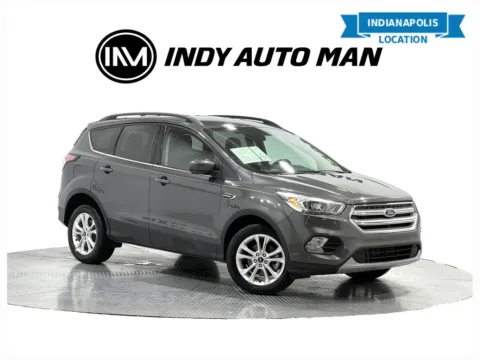
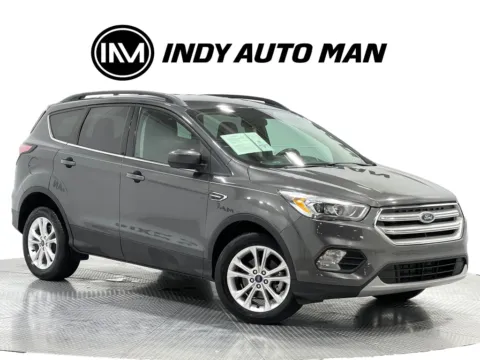
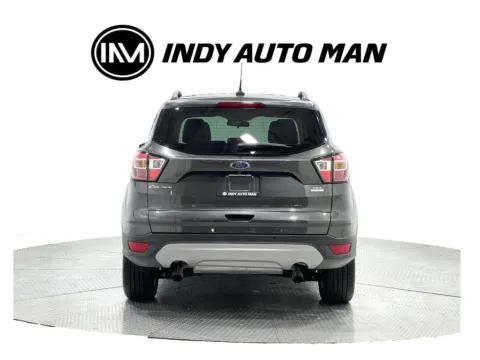
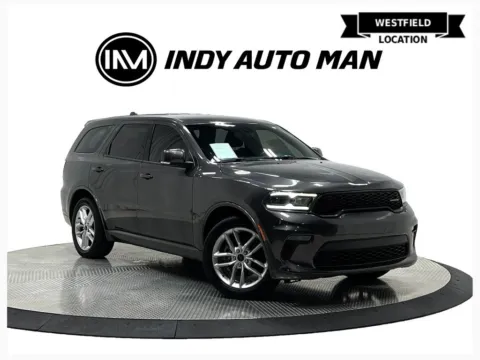
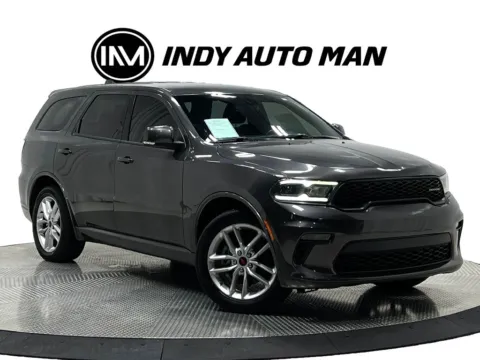
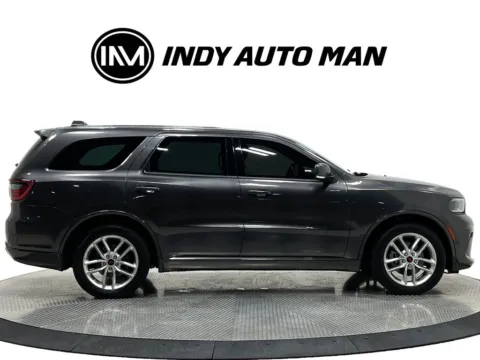
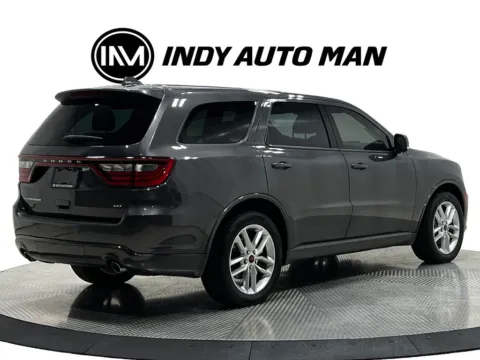
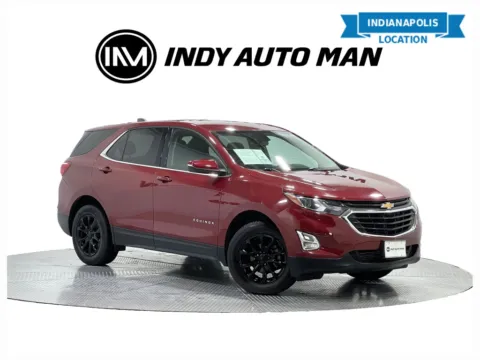
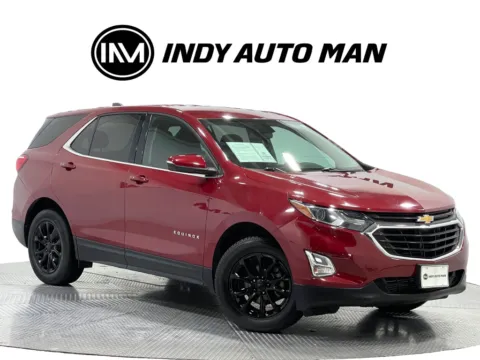
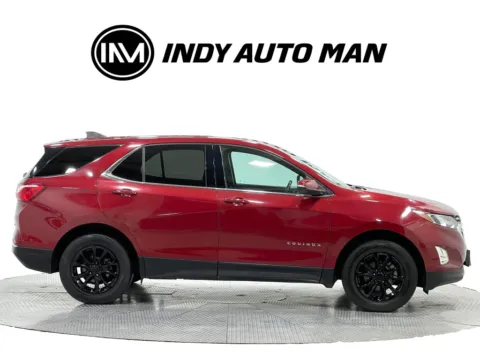
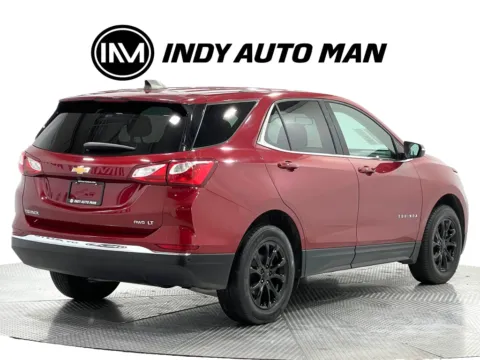
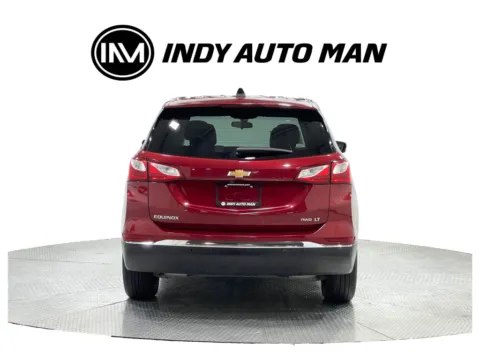
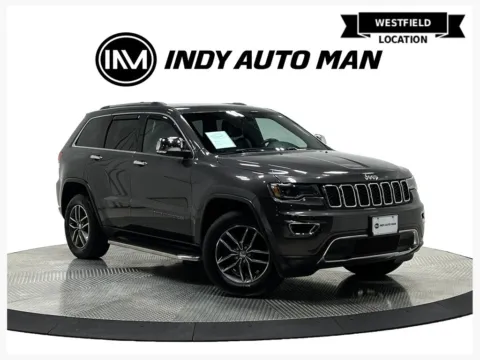
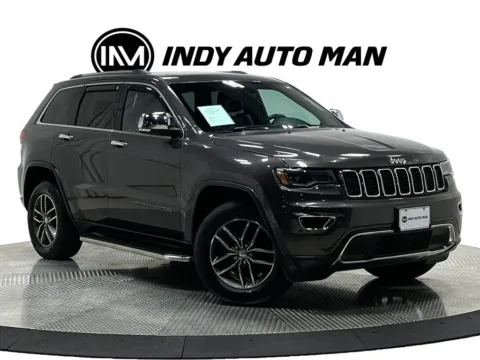
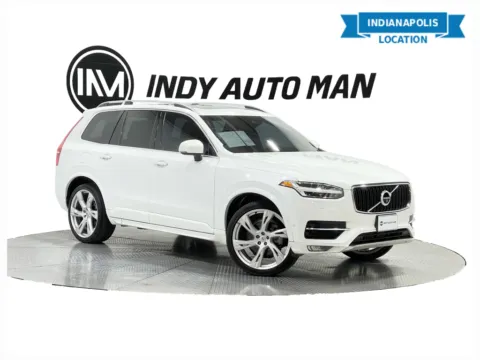
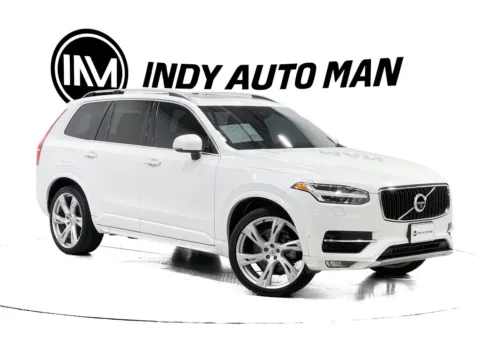
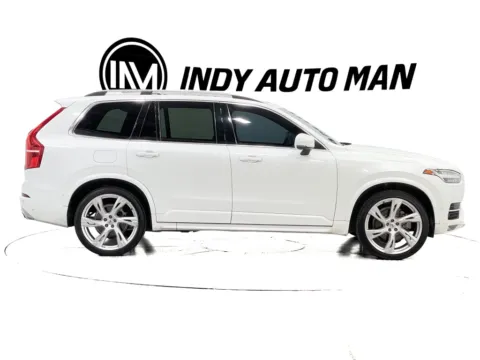
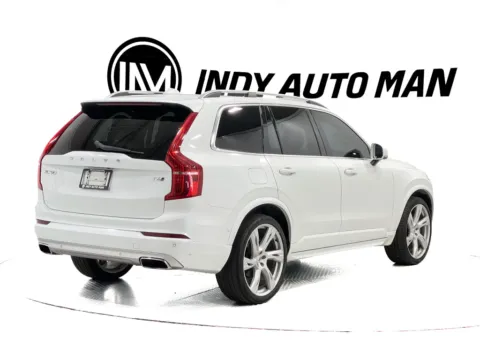
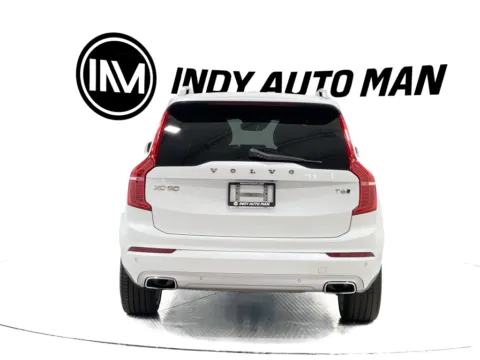
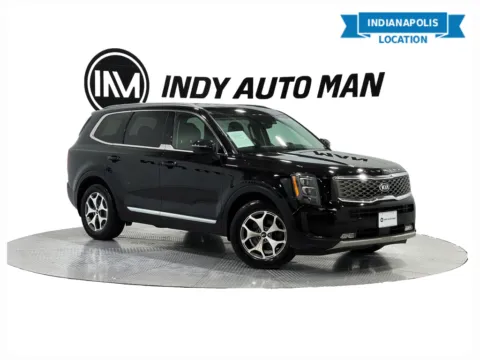
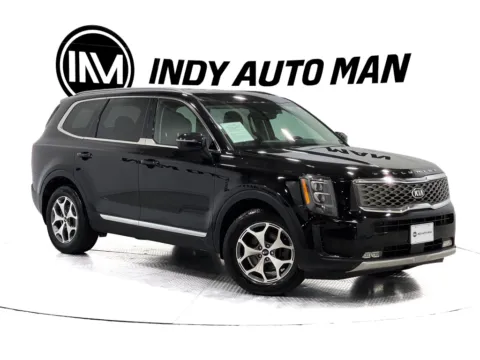
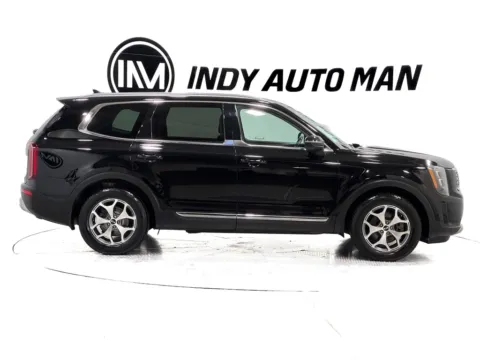
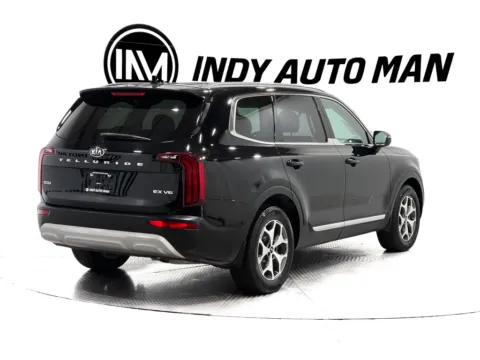
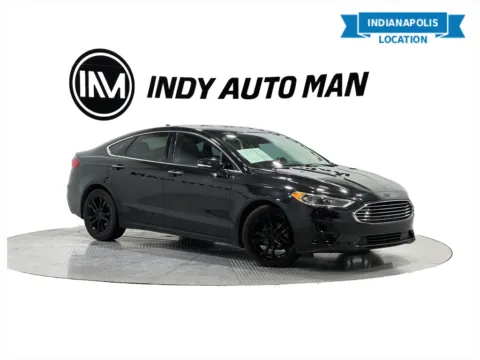
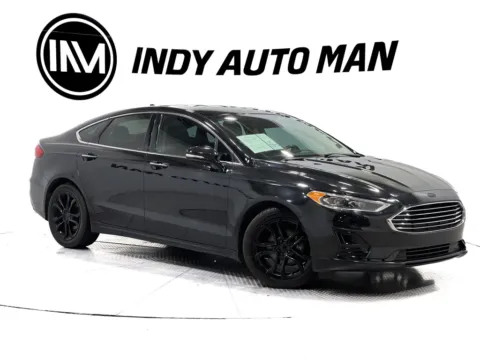
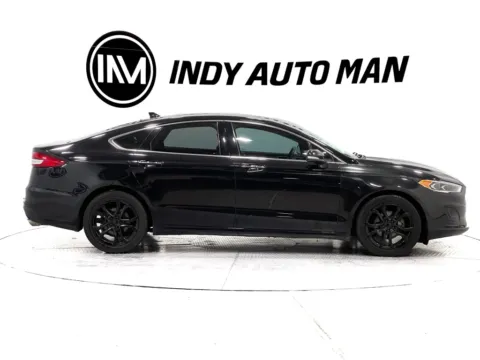
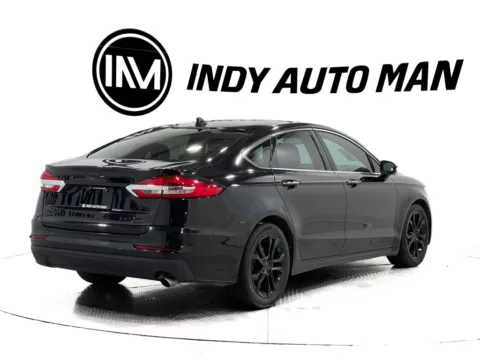
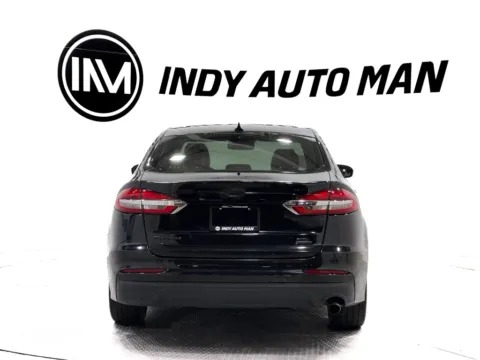
Choose from a broad inventory of Android Auto-compatible used cars at Indy Auto Man, IN, and enjoy convenient access to navigation, calls, messages, music, and other compatible smartphone apps while you drive.
Android Auto brings selected features from your Android phone to your vehicle’s infotainment display. Instead of handling your phone while driving, you can use the car’s touchscreen, steering-wheel controls, or voice commands to get directions, make calls, listen to music, and send or receive messages. Android Auto is designed to help you stay connected while keeping your attention on the road.
How to connect Android Auto?
In most cases, you can connect your Android phone to a compatible vehicle using a high-quality USB cable. Plug the phone into the vehicle’s Android Auto-enabled USB port, follow the prompts on the phone and infotainment screen, and accept the required permissions.
Android Auto is integrated into newer Android phones, so phones running Android 10 or later generally do not require a separate app. For most wired connections, you need an Android phone running Android 9.0 or higher, an active data plan, a compatible vehicle, and a quality USB cable.
Some vehicles also support wireless Android Auto, allowing your phone to connect without plugging in a cable. The initial setup usually requires pairing the phone and vehicle through Bluetooth. Wireless Android Auto also requires a compatible phone with 5 GHz Wi-Fi support and a compatible vehicle or stereo system.
Used cars with wireless Android Auto
If you are specifically looking for Android Auto- compatible used cars, the following models and model families are popular options to consider. Availability and compatibility can vary by model year (often 2021-2024 and newer), trim level, infotainment system, and vehicle equipment:
- Ford F-150 with SYNC 4
- Ford Bronco
- Ford Mustang Mach-E
- Chevrolet Tahoe and Suburban
- Chevrolet Silverado 1500
- Chevrolet Equinox and Trailblazer
- GMC Sierra 1500 and Yukon
- Hyundai Tucson and Santa Fe
- Kia Sportage and Sorento
- Volkswagen ID.4
- BMW 3 Series and 5 Series
- Mercedes-Benz GLA and GLC
Wireless Android Auto was introduced at different times across manufacturers, and some vehicles offer it only on selected trims or through a particular infotainment package. Always confirm the exact equipment on the specific vehicle you are purchasing.
Compatibility basics: Does Android Auto work with every Android phone?
Android Auto does not work with every phone or every vehicle. Compatibility depends on the Android version, the phone’s hardware, the vehicle’s infotainment system, and whether you want to connect by USB or wirelessly.
For most wired connections, you need:
- An Android phone running Android 9.0 or later.
- An active mobile data plan.
- A compatible car or aftermarket stereo.
- A high-quality USB data cable.
For wireless Android Auto, you generally need a compatible vehicle, an active data plan, and a phone that supports 5 GHz Wi-Fi. Google lists Android 11 or later as compatible for wireless connections in general, while select Google and Samsung phones running Android 10 may also work.
What is the difference between Android Auto and Bluetooth?
Bluetooth typically supports wireless phone calls and audio streaming, while Android Auto provides a broader connection between your phone and the vehicle. With Android Auto, compatible apps such as music services and messaging applications can appear on the infotainment screen and be controlled through the vehicle’s interface.
Can I use Google Maps and Waze with Android Auto?
Yes. Google Maps and Waze are compatible with Android Auto in supported vehicles. You can use them for turn-by-turn directions, destination searches, and route guidance through the vehicle’s display and voice controls.
What should you check before buying?
When shopping for a used car with Android Auto, look beyond the vehicle’s model name. Equipment can differ between model years and trim levels.
Before purchasing, confirm that:
- Android Auto is listed in the vehicle’s equipment.
- The vehicle supports wired, wireless, or both connection types.
- The infotainment touchscreen and USB ports work correctly.
- The included USB port supports data transfer as well as charging.
- Your Android phone meets the required software and wireless specifications.
- The vehicle’s software and infotainment system are functioning properly.
Our team can help you check the available technology on a specific used car, truck, or SUV and explain how the system works during a test drive.
Find Android Auto compatible cars at Indy Auto Man
If you are ready to upgrade your driving experience, explore a wide selection of used cars compatible with Android Auto at Indy Auto Man. Browse our current inventory online or use the Indy Auto Man car finder to locate a vehicle with the features you want.
You can also buy a used car online, with free delivery available within 250 miles of our Indianapolis dealership.
Visit our Indianapolis or Westfield car lot today, connect your phone, and take a test drive in a used car with Android Auto.